
Virtual Arcade Zone offers digital rounds built around timing, target selection, score collection, and simple screen controls on SOGOGO. This article is written for members who need clear details about play rules, room choices, control use, scoring, and session steps before joining any paid round.
A clear overview to the Virtual Arcade Zone
The Virtual Arcade Zone combines short digital matches with visible scores, countdowns, moving targets, and control buttons that guide each action from entry to completion. Members can review the full screen layout before placing PHP or USD stakes, while specific details may change according to the selected title and room. Because layouts differ, members should check every label before entering.
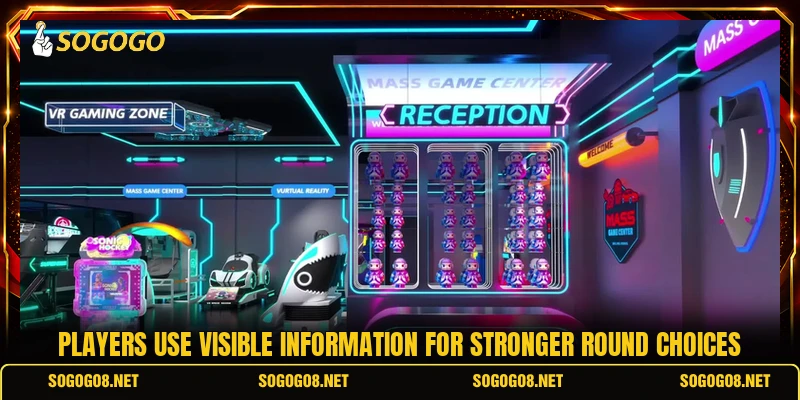
SOGOGO presents the area through a central lobby where players can compare room limits, round status, available tables, and current entry conditions. The Virtual Arcade Zone usually displays stake ranges, active seats, recent results, loading notices, and access buttons within one organized screen for easier checking. When a room becomes unavailable, players can return to the lobby.
Core rules and guidelines for every session
Each title follows its own scoring method, yet the Virtual Arcade Zone generally requires choosing a room, setting a stake, starting a round, and completing actions before time expires. Players should read the displayed paytable and control notes because target values, bonus conditions, scoring rules, and round limits can differ between available games.
Starting a new game round
Before starting, members should confirm the room currency, minimum entry amount, maximum stake, and remaining balance shown beside the main control panel. A room may accept values such as PHP 20, PHP 50, USD 1, or higher amounts according to its published limits and game settings. If the listed value looks unclear, players should reopen the rules.
After selecting a value, players can press the start button and wait for the countdown, opening animation, or target field to appear. The round becomes active only after the system accepts the stake and updates the balance, score area, timer, or status message on screen. Once confirmation appears, members can follow the active controls without delay.
Understanding grading and target values
Scores usually come from hitting marked targets, matching required symbols, completing timed actions, or reaching a stated objective within the available round. Higher-value objects may require more actions, while smaller targets can provide fewer points with faster completion and limited control input during active play. Since values can change, the paytable should remain available for reference.
The score panel should be checked after every completed action because it confirms whether points, multipliers, or bonus values were recorded correctly. When the round ends, the result screen normally shows the final total, completed objectives, and any credited PHP or USD amount for that session. If a result is pending, players should wait for the final update.
Virtual Arcade Zone configuration settings
The Virtual Arcade Zone can include manual buttons, automatic actions, speed controls, sound settings, and screen-size options depending on the selected game. Members should test each available control at the lowest accepted stake before using faster modes, repeated actions, or any feature that continues without another command. Although labels may vary, each command should show a clear function.
View more: Arcade Infinity Play – Simple Game Rules And Round Guide
Automatic settings may continue several actions without another press, so players need to review the selected count, active value, and stop command carefully. Sound and display adjustments do not change results, but they can make timers, score notices, target changes, and warning messages easier to follow. When repeated actions are active, the stop control should stay visible.
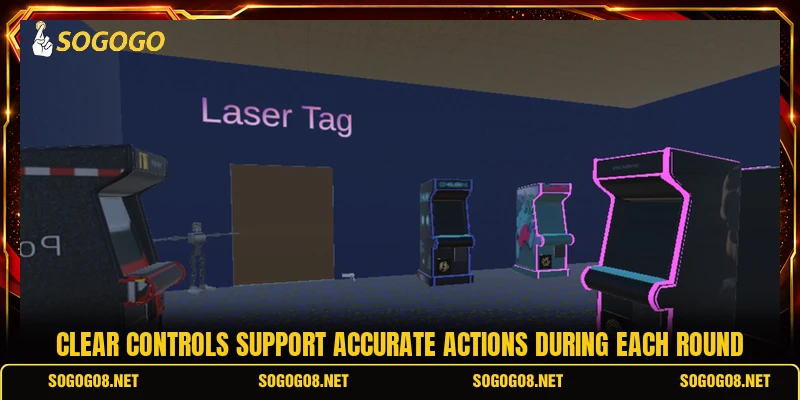
Smart methods for crafting better round decisions
Useful methods in the Virtual Arcade Zone focus on screen information, target values, timing windows, and room conditions rather than promises about guaranteed outcomes. Members can compare several low-cost rounds, note visible results, and change their actions only when the stated rules and current display support that decision.
Reading patterns beyond rushed choices
A short result history can show how often certain targets, multipliers, bonus events, or special symbols appeared during recent completed rounds. However, previous results do not force the next outcome, so each new session should be judged through its present rules, timer, and visible conditions. While history adds context, it should never replace current screen information.
Players can watch one or two rounds before entering to understand countdown length, action speed, target movement, score updates, and bonus timing. This observation reduces mistaken button presses and helps members choose a room that matches their preferred activity level and available response time. Because each title behaves differently, observation should focus on visible mechanics.
Selecting rooms by game pace
Room choice should begin with the displayed stake range, round duration, target density, entry status, and number of active participants. A slower room may allow more time for each action, while a faster option can require quicker responses, sharper timing, and closer countdown checks. If the pace feels unclear, players can observe another completed round.
The Virtual Arcade Zone may offer several rooms using the same game design but different entry amounts, action speeds, or scoring limits. Members should select the version whose controls, values, and timing remain easy to follow throughout one complete session without rushed decisions. When conditions change, returning to the lobby allows another comparison.
Using rewards with clear timing
Bonus features may appear after collecting required items, reaching a score level, completing a sequence, or activating a clearly marked symbol. The rules panel should state whether the feature adds points, extends time, changes targets, applies a multiplier, or awards another round. Since activation periods may be brief, the timer deserves close attention.
Players should activate a bonus only through the displayed control and confirm that the screen records its effect immediately after selection. In the Virtual Arcade Zone, delayed actions can miss a short bonus window, especially when the countdown continues during animations, score updates, or target changes. If no effect appears, members should check the round record afterward.

View more Category: Arcade
Conclusion
Virtual Arcade Zone gives members a structured digital area with clear rooms, stake displays, control options, scoring rules, timers, and result screens. Before joining through SOGOGO, players should review the selected title, confirm PHP or USD limits, check the room status, and understand every available button. Register, download the app or game when available, select a suitable room, follow the shown instructions carefully, and good luck in every round.